
What Actually Breaks First in Supabase Apps
Supabase is a great platform, but being managed doesn't mean maintenance-free. Here are the 8 Postgres signals that break first when your app starts to scale.
Supabase is a great platform. Built on Postgres, it gives you everything out of the box: Database, Authentication, Data APIs, Edge Functions, Realtime subscriptions, Storage, Vector embeddings. It’s genuinely one of the best things to happen to early-stage development.
But being a managed platform doesn’t mean it’s maintenance-free.
Most apps don’t break during development. They break when the application starts gaining traction. When real users show up, real data accumulates, and real load hits something that was never tested at scale.
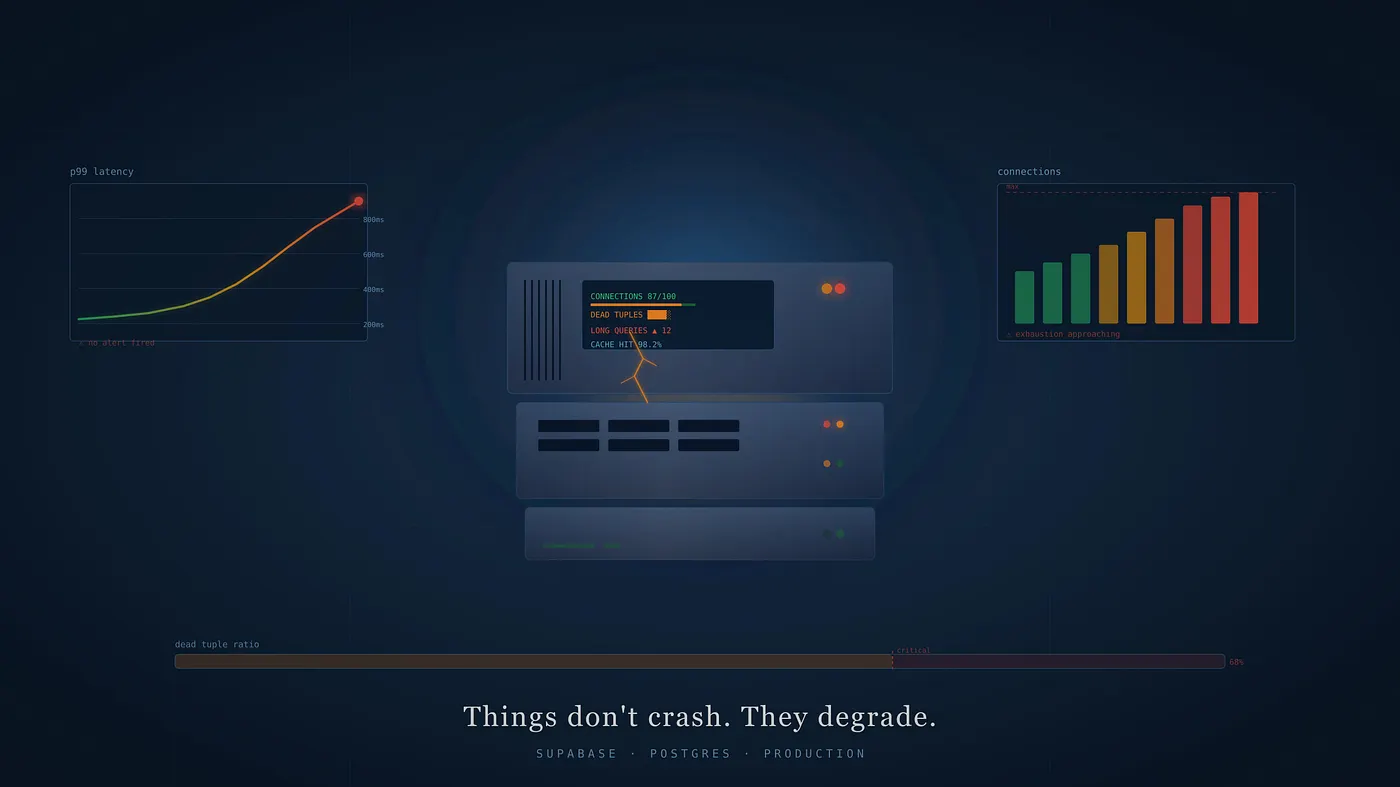
Things don’t crash. They degrade.
We see the same pattern repeatedly:
- p99 response times slowly increase over weeks
- No alerts fire because nothing crosses a hard threshold
- The change is gradual enough that no one notices day to day
- Eventually, someone looks closely and realizes performance has been drifting
By that point, the degradation has usually been building for a while.
After digging into this, I’ve found the same signals come up again and again. They’re all Postgres internals. Which makes sense, as Supabase is Postgres, and when the app degrades, it’s almost always Postgres telling us something.
1. Cache hit ratio
Before anything else, this tells us whether Postgres is reading from memory or going to disk. A healthy cache hit ratio sits at 99% or above. Below that, your queries are hitting disk constantly, and disk is orders of magnitude slower than memory.
This is often the first thing I check when queries slow down with no obvious cause.
SELECT
  sum(heap_blks_hit) / NULLIF(sum(heap_blks_hit) + sum(heap_blks_read), 0) AS cache_hit_ratio
FROM
  pg_statio_user_tables;
If this number is below 0.99 and trending down, you’re either hitting memory limits or your working set has grown beyond what fits in cache. Either way, it needs attention before you look at anything else.
2. Index usage
Once you know reads are coming from cache, the next question is whether those reads are efficient. A sequential scan on a large table is expensive regardless of where the data lives.
Indexing issues usually show up in two opposite ways:
- Under-indexing: Classic case. Table grows, queries get slower, you add the right index, and things improve.
- Over-indexing: This is quieter. Every index has to be updated on every write, so unused indexes become silent overhead, especially on tables with lots of inserts/updates/deletes.
SELECT
  relname AS table_name,
  seq_scan,
  idx_scan,
  ROUND(
    100.0 * seq_scan / NULLIF(seq_scan + idx_scan, 0),
    2
  ) AS seq_scan_pct
FROM
  pg_stat_user_tables
ORDER BY
  seq_scan DESC
LIMIT
  20;
If a large table has a high seq_scan_pct it’s often a hint that we’re missing an index for a common access pattern (or that a query is written in a way that can’t use an index).
On the other side, indexes with near-zero idx_scan are worth reviewing. Sometimes they’re genuinely unused, sometimes they’re there for constraints or rare-but-important queries.
3. Long-running queries
A slow query doesn’t just affect itself. It holds locks. Other queries begin to wait. Over time, response times increase across the system, not just for the original query but for everything queued behind it.
SELECT
  pid,
  usename,
  now() - query_start AS runtime,
  state,
  LEFT(query, 500) AS query
FROM pg_stat_activity
WHERE datname = current_database()
  AND state <> 'idle'
  AND now() - query_start > interval '30 seconds'
ORDER BY runtime DESC;
Anything showing up here consistently is worth investigating. It’s usually a missing index, a query that wasn’t written for the data volume you have now, or a transaction that isn’t being closed properly.
4. Lock contention
Long-running queries and open transactions acquire locks. Other queries waiting on those locks queue up. That queue grows until requests start getting dropped entirely.
SELECT
  blocked.pid AS blocked_pid,
  blocked.usename,
  now() - blocked.query_start AS blocked_for,
  LEFT(blocked.query, 500) AS blocked_query,
  blocker.pid AS blocker_pid,
  LEFT(blocker.query, 500) AS blocker_query
FROM
  pg_stat_activity blocked
  JOIN pg_stat_activity blocker ON blocker.pid = ANY (pg_blocking_pids(blocked.pid))
WHERE
  blocked.datname = current_database()
ORDER BY
  blocked_for DESC;
Rows here mean something is actively blocking right now. The blocker_query tells you what’s holding the lock. Killing that process stops the bleeding, but understanding why the transaction got stuck is the real fix.
5. Connection exhaustion
Supabase plans have hard connection limits. Connections are easy to leak: a serverless function that doesn’t clean up, a client reconnecting on every request, a background job holding connections open longer than it should.
Nothing breaks immediately. But each leaked connection is one less available for the next request. Eventually, there’s nowhere to put a new request, and that’s when things go down suddenly.
SELECT
  (
    SELECT
      setting::INT
    FROM
      pg_settings
    WHERE
      name = 'max_connections'
  ) AS max_connections,
  COUNT(*) AS current_connections
FROM
  pg_stat_activity
WHERE
  datname = current_database();
The gap between these two numbers is your margin. When it starts shrinking consistently, something in the application is holding connections it shouldn’t be.
6. Table bloat and autovacuum health
Postgres doesn’t immediately remove old row versions when you update or delete. It creates dead tuples, sitting in your tables, inflating their size, waiting for VACUUM to clean them up.
Autovacuum handles this automatically. But on high-write tables, it often can’t keep pace. Even worse, a single long-running transaction can block autovacuum entirely, letting dead tuples accumulate even faster.
SELECT
  relname AS table_name,
  n_live_tup,
  n_dead_tup,
  ROUND(
    100.0 * n_dead_tup / NULLIF(n_live_tup + n_dead_tup, 0),
    2
  ) AS dead_tuple_pct,
  last_autovacuum
FROM
  pg_stat_user_tables
ORDER BY
  n_dead_tup DESC
LIMIT
  20;
dead_tuple_pct consistently above 10–20% means autovacuum needs tuning. A stale last_autovacuum on a high-write table means the problem is already in progress. These two numbers tell different stories, worth watching both.
7. Query performance with pg_stat_statements
Everything above tells you what’s happening right now. pg_stat_statements tells you what’s been expensive over time, which is often more useful.
A query that takes 10ms but runs 50,000 times an hour is more dangerous than a 5-second query that runs twice a day. Without this view, you’re optimizing by assumptions.
SELECT
  LEFT(query, 200) AS query,
  calls,
  ROUND(total_exec_time::NUMERIC, 2) AS total_ms,
  ROUND(mean_exec_time::NUMERIC, 2) AS mean_ms,
  ROUND(stddev_exec_time::NUMERIC, 2) AS stddev_ms
FROM
  pg_stat_statements
ORDER BY
  total_exec_time DESC
LIMIT
  20;
Sort by total_exec_time to find your highest cumulative cost. Sort by mean_exec_time to find your slowest individual queries. The ones that show up on both lists are your actual problems.
8. Transaction ID wraparound
This one is rare. But it’s the only item on this list that can result in Postgres shutting down your database to protect itself.
Postgres uses 32-bit transaction IDs. Every write consumes one. When you get close to the limit (about 2 billion transactions), Postgres will stop accepting writes and force a full-table vacuum. If that vacuum doesn’t complete in time, it shuts the database down entirely.
Supabase manages some of this, but at high write volumes, it’s worth monitoring directly.
SELECT
  datname,
  age (datfrozenxid) AS xid_age,
  2147483648 - age (datfrozenxid) AS xids_remaining
FROM
  pg_database
ORDER BY
  xid_age DESC;
xid_age above 1.5 billion is where you start paying close attention. You never want to find out about this one reactively.
The pattern behind all of this
None of these issues is specific to Supabase. They are just how Postgres behaves under load. Which is exactly the point.
Most developers using Supabase aren’t thinking of themselves as Postgres operators. They’re thinking of themselves as users of a managed platform. The operational signals, what the database is doing internally at any given moment, are not always part of the default workflow. Unless you go looking for them, you do not see them.
These eight signals are a starting point. Running them manually once a week is better than nothing. Wiring them into automated monitoring with thresholds is better still.
But before tooling, there is a mindset shift. You start looking at your database less as a black box and more as a system you are responsible for understanding. Not because something is broken, but because slow degradation is easier to prevent than to fix.
Shipping is development. Stability is operations.
Supabase accelerates the first part. The second part is still on us.
Curious about how your Supabase app is actually performing? pgpulse gives you real-time visibility into these signals and more.
Share this article
Found this useful? Spread the word so more Supabase teams can optimize their observability stack.